You can use the service on the website (dashboard), in a chat with the bot in Telegram or MAX, in the Telegram mini app, and in the iPhone app. It's all one account: whatever you change in the dashboard, the coach in the chat sees it right away.
1. Create an account
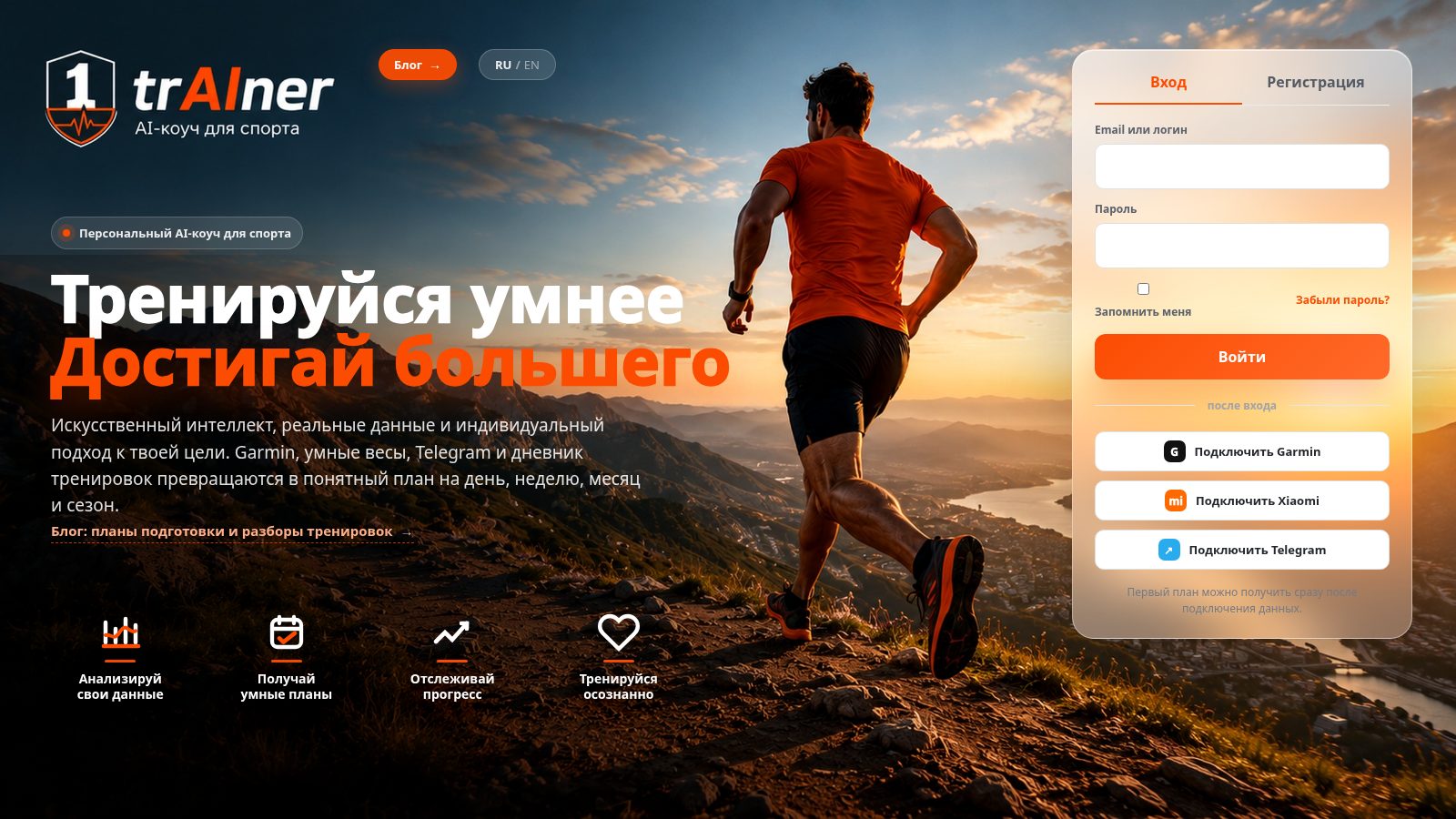
- Open 1trainer.ru and switch to the "Registration" tab.
- Enter your name, email, and password (at least 8 characters). The form may ask you to pass an "I'm not a robot" check.
- Confirm your address via the link in the email. Until your email is confirmed, the dashboard won't open — instead you'll see the "Confirm your email" page with a "Resend email" button.
The free 7 days start when you confirm your email. If you don't confirm your email and don't use the account for 7 days, it is deleted. For details, see "Account and login".
The second way is to start right from the bot @strong01bot: the /start command opens a dialogue. You can link the chat to your website account in the dashboard: account menu → "Connections" → Telegram.
2. Open the mini app
The bot chat has an "App" button that opens the Telegram mini app: today's plan, dashboard, map, questionnaire, weight, and profile. There's nothing extra to install — you sign in with your Telegram account. If you started in Telegram, your free days begin when you open the mini app after filling out the questionnaire.
3. Fill out the questionnaire
You'll find the questionnaire in the mini app's "Questionnaire" tab. It has six short steps:
- About you — name, gender, age.
- Parameters — height and weight (you can skip this and fill it in later).
- Sport — your sports (you can select several) and level.
- Goal — your main goal for the season and target races with dates, if already known.
- Availability — how many minutes you can train on each day of the week.
- Preferences — any health limitations and requests for your coach.
The more specific your goal, the more accurate your plan. “Run a 50 km trail running race in September” works better than “get more endurance.”
4. Wait for your first plan
As soon as you save the questionnaire, the coach starts building your planning cascade: your annual goal, season strategy, weekly plan, and next daily plan. The first plan arrives in the bot chat, usually within 10–15 minutes. You can use the app as usual while it's being generated.
5. Connect your data
Your plan becomes noticeably more precise once the coach sees your actual data: connect your watch — Garmin, Polar, COROS, Strava, or Apple Watch via the iPhone app — and, if you keep a nutrition diary, FatSecret. All connections are in the dashboard: account menu → "Connections". For details, see "Connecting Garmin", "Apple Watch and iPhone", and "Nutrition and weight".
How the dashboard works
After you log in, the "Today" screen opens: last night's recovery, your daily plan, and the week's completed training against the plan. The top menu has four more screens — "Plan" (all horizons from season to day), "Progress" (strength goals, weight, volume), "Goals" (annual goal, races, constraints), and "Map" (the "Territory" game). The "Coach" button opens the bot chat, and the avatar on the right opens the account menu: "Profile", "Connections", "Subscription", "Security", and "Feedback", as well as "My specialists".
Logging in and password recovery
To log in to the site, use your email (or username) and password on the main page. If you've forgotten your password, there's a "Forgot password?" link on the login form: the service will send you an email with a reset link. The email is sent only to a confirmed address. The link is one-time and valid for 60 minutes.
To keep receiving notifications, make sure your email address is verified and don't block the bot on Telegram. If you block it, the service can't send you plans or workout reviews through the bot.
What's next
- The first 7 days are free, no card needed to start.
- Reply to the coach in the chat: it asks follow-up questions and builds out your profile.
- Workout reviews arrive automatically once an activity reaches the service from Garmin, Polar, COROS, Strava, or Apple Watch. What's in them — see "After a workout".
Further reading
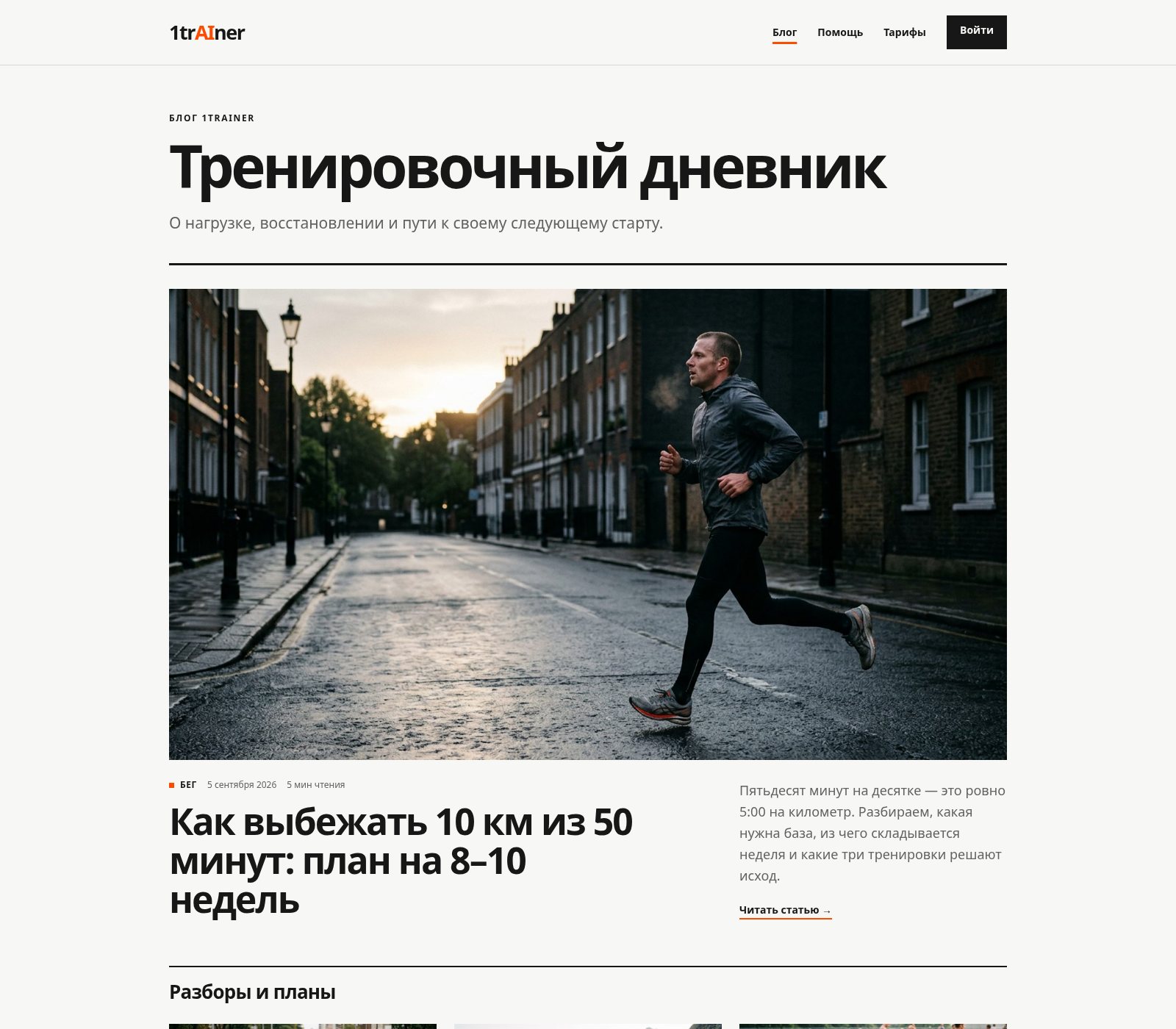
The blog has training guides for different sports: 10K and half-marathon plans, preparing for your first trail race or triathlon, training by heart rate zones, and understanding recovery metrics.